Real pain
"With the PC hooked to the TV, the mouse always goes missing. Every pause or fast-forward means getting up—it kills the flow."
Smart Touch
Media mode, one-tap access
Adjust volume or scrub progress without leaving the couch.
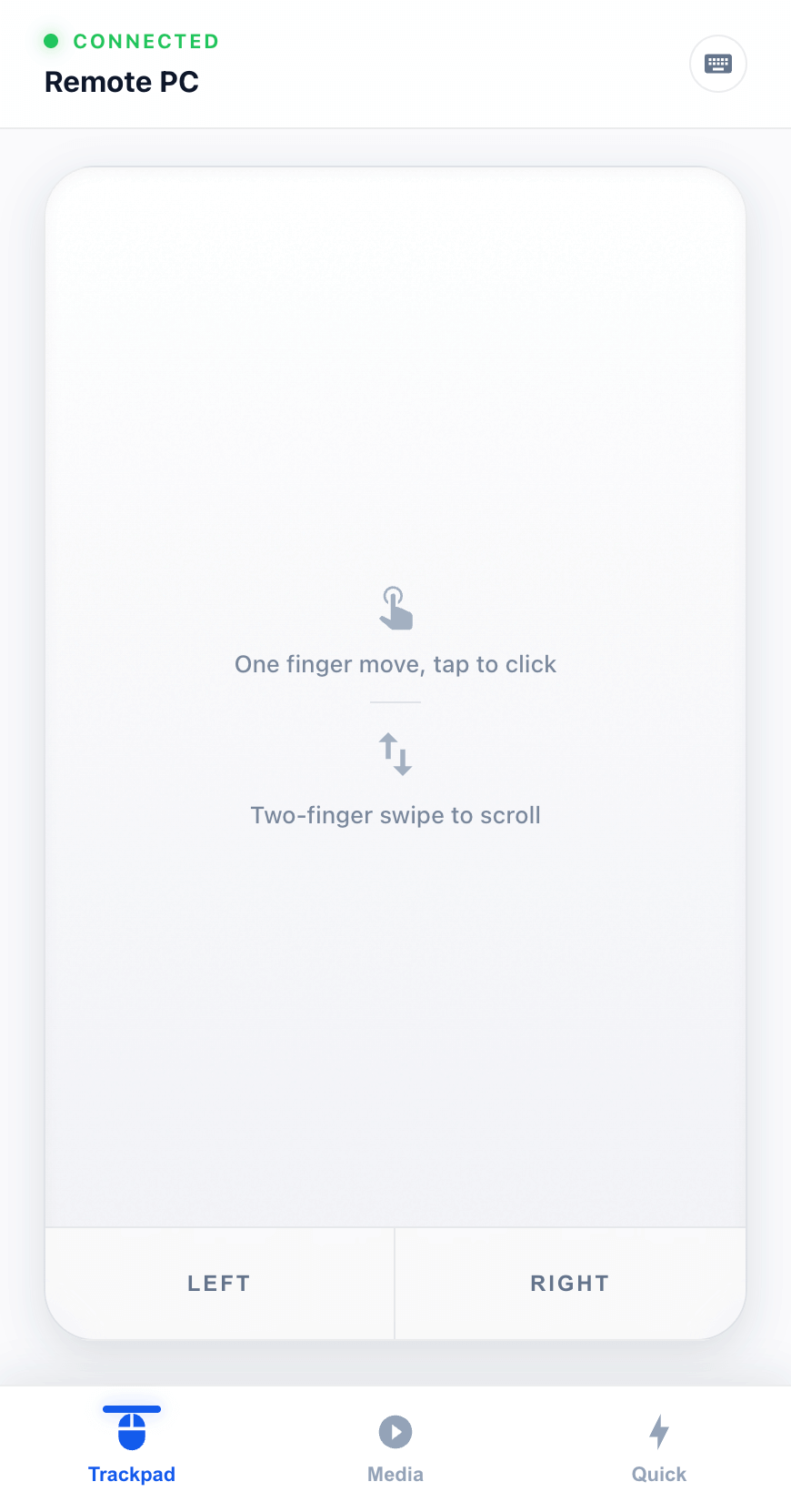
No more expensive wireless keyboard/mouse. Turn your phone into an all-in-one PC remote and enjoy effortless Windows & macOS control from the couch.
Compact mode on small screens
This page is simplified for phones/tablets. For the full demo and purchase flow, open this site on desktop.
Download desktop app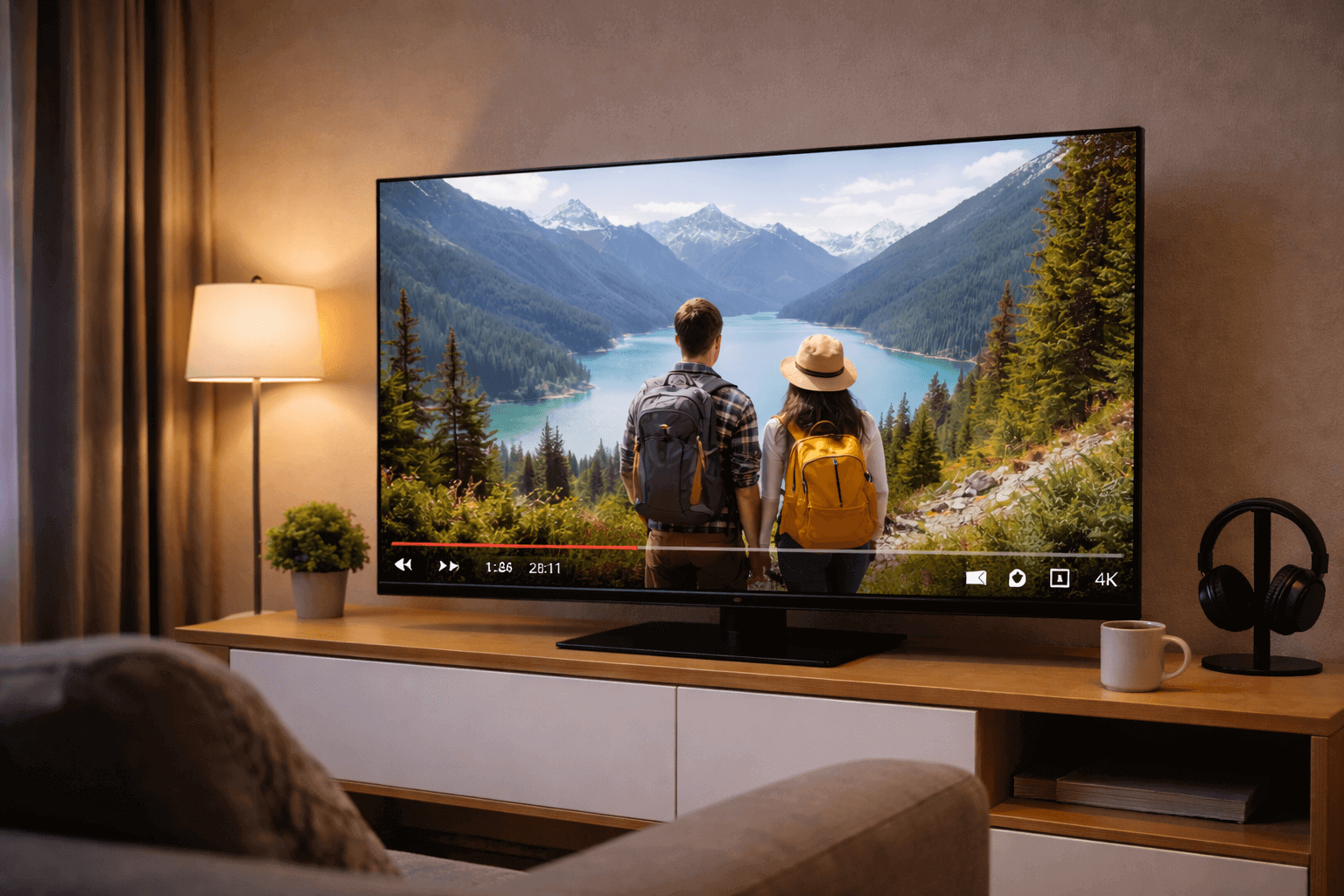
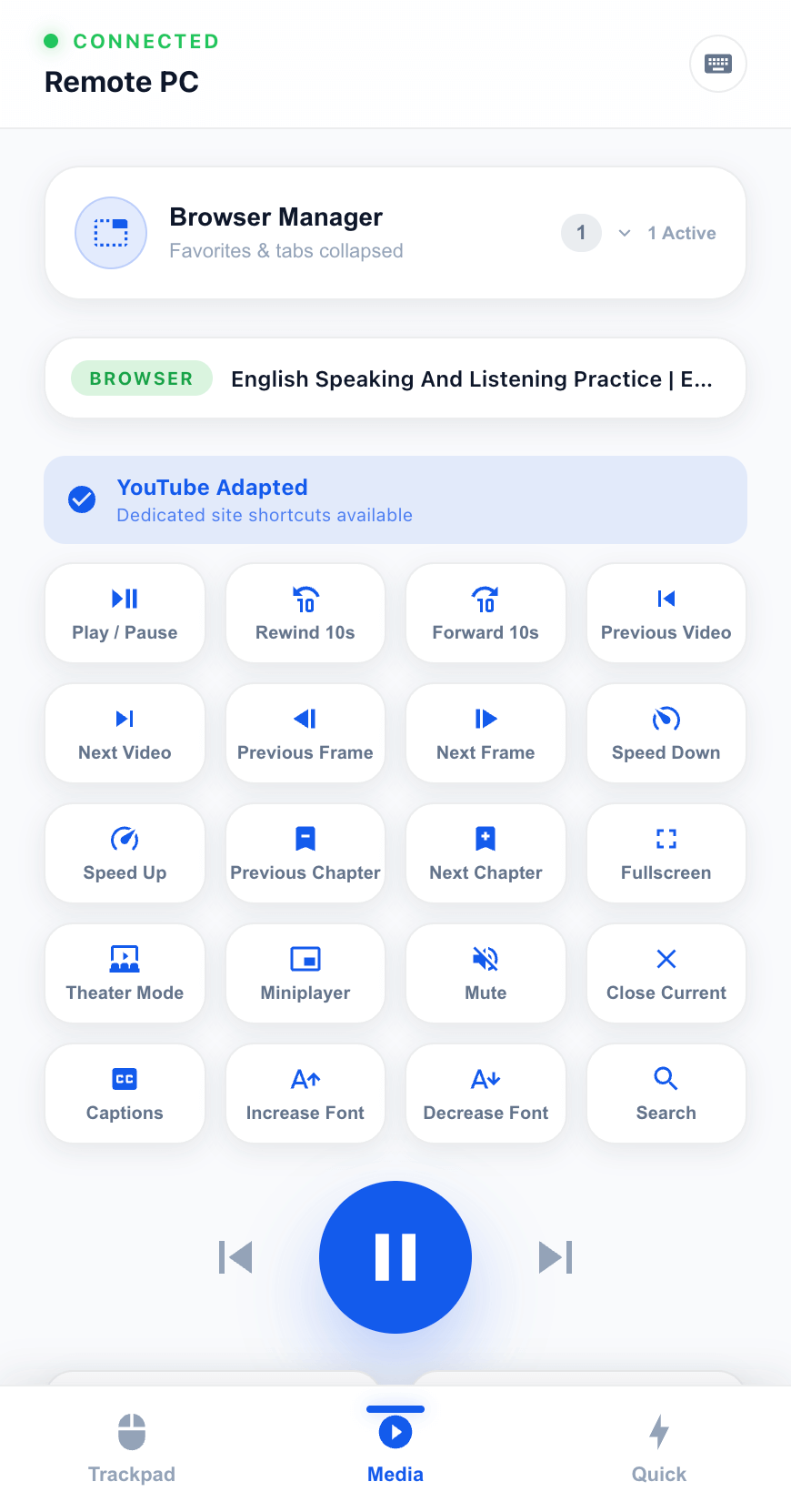
Movies, couch control, quick input, and shortcuts—handled on your phone.
"With the PC hooked to the TV, the mouse always goes missing. Every pause or fast-forward means getting up—it kills the flow."
Adjust volume or scrub progress without leaving the couch.
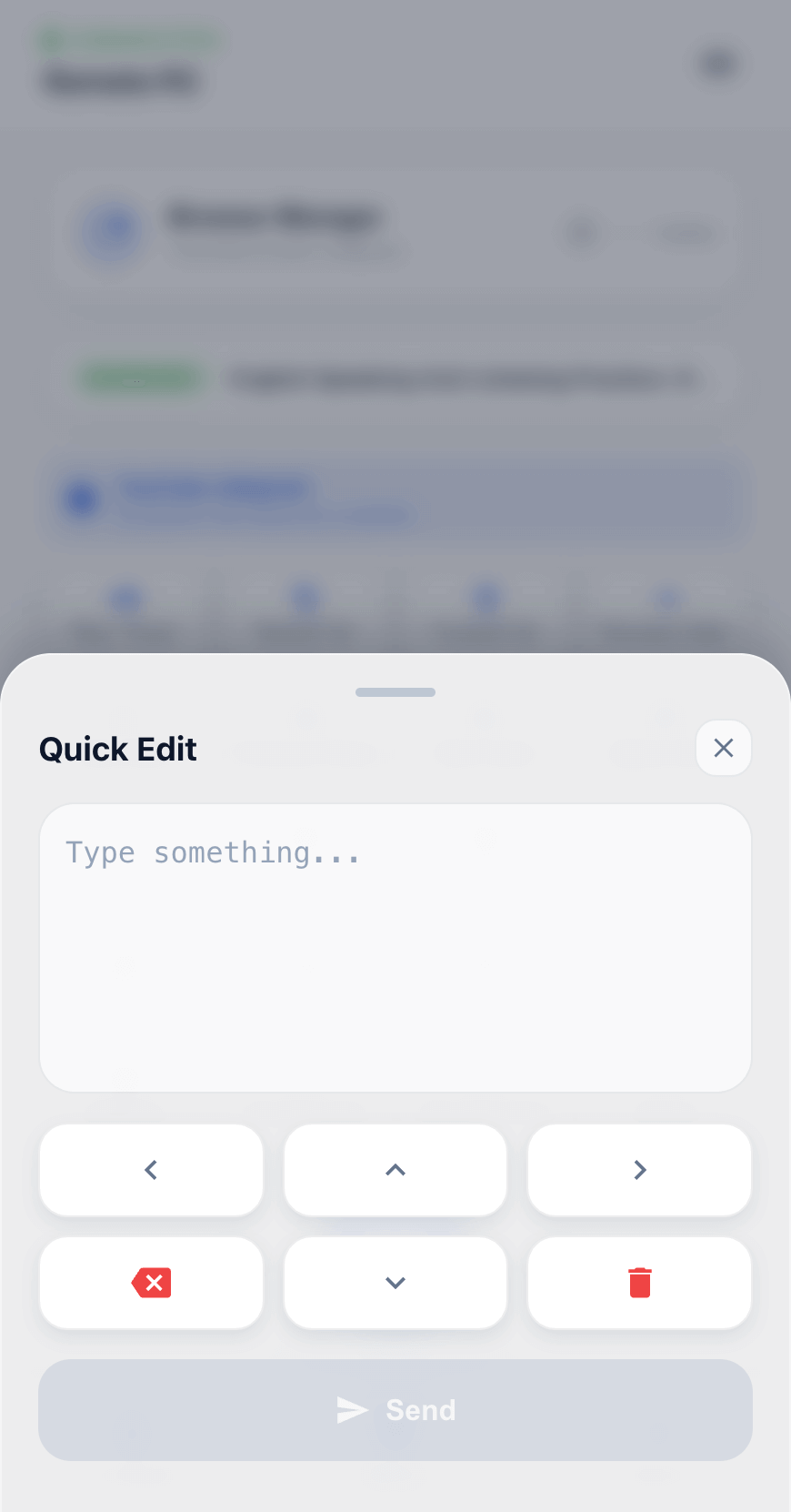
"Typing with arrow keys on a TV/projector takes forever, and I keep picking the wrong letters."
Type searches and URLs with your phone keyboard—fast and accurate.
"Scrolling in bed without a mouse is painful—I end up reaching for the keyboard every time."
Turn your phone into a precise trackpad for smooth browsing.
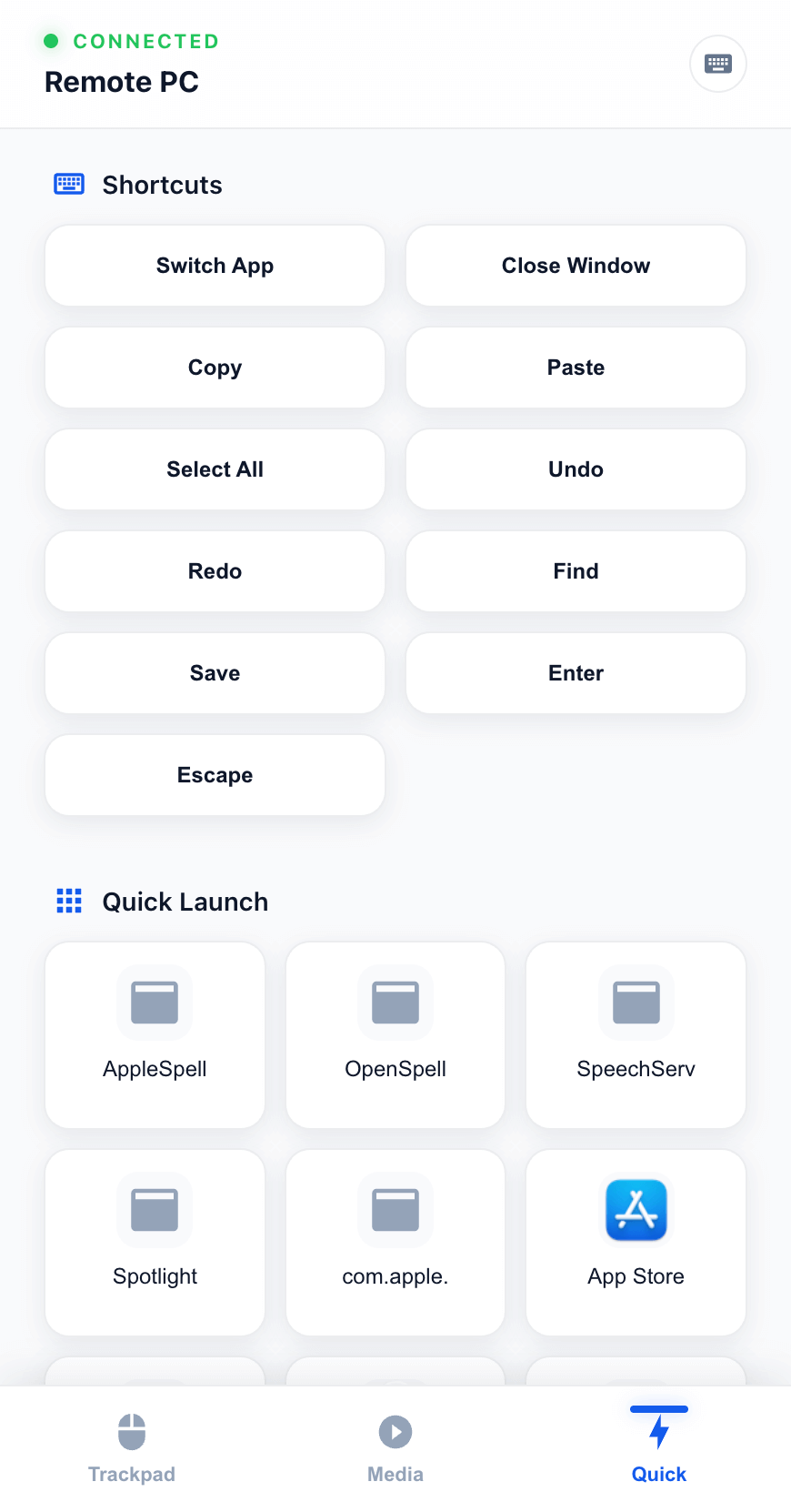
"Common actions are scattered across shortcuts—I keep having to remember combos. It's a time sink."
Pin your most-used actions and trigger them instantly.
Simple, Intuitive, Zero Threshold
Select Windows or macOS version and install (authorization required only once).
Open the control page using any browser or camera, no extra app needed.
Add the page to your home screen for gestures, remote input, and media control.
Try first, then buy once. No subscription traps.
7 Days Full Experience
Lifetime License
Compact and Light, Install and Use
Common questions about connection, permission, and activation
Experience the all-new Media Mode and built-in browser in HandyMote 2.0. The ultimate tool for remote media control and seamless cross-device mastery.
View DetailsLearn how to turn your iOS/Android phone into a wireless trackpad, keyboard, and remote control for Windows/Mac in 3 steps. No mobile app download needed.
View DetailsLearn how to fix Mac errors like "app is damaged and can't be opened", "move to trash", and "can't verify developer" - step by step solutions.
View Details